High Availability and Scalability Strategies
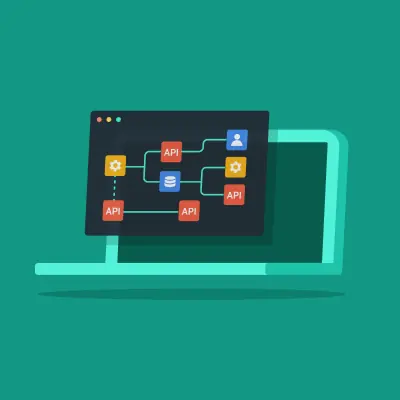
Application Programming Interfaces (APIs) have become the backbone of modern software development, enabling seamless data exchange and interaction between different systems. Low-code platforms have emerged as powerful tools that democratize app development, allowing users with minimal coding experience to build sophisticated applications. This blog explains how low-code makes it easier to consume and expose APIs.
0092.jpg)
The Challenges of Building and Managing APIs
Today, companies rely on data to make informed decisions more than ever. However, tapping into the information they need it’s not easy. Modern organizations run on multiple systems spread across multiple departments, making data disseminated throughout different platforms and siloed instead of aggregated in a single monolithic system as happened in the past.
Although this distributed paradigm has many benefits, it also creates a set of new integration and data management challenges.
It’s this context that sets the stage for the era of API integrations. But building — and managing — multiple systems and respective APIs is no easy task.
In a time when the world is constantly changing, organizations need to be agile enough to respond to the market’s demands. From an integration perspective, that means that development teams need to embrace a full lifecycle approach where they continually manage the integration, update it, revise it, and go through another iteration to make changes or add to it. Which is tremendously complex with traditional development but not so much with a low-code platform.
Now that we’re done with the history lesson roll up your sleeves: let’s see how you can consume and expose APIs with low-code. In this tutorial, we’ll be using OutSystems, so if you want to join me, you can get our free version here.
Consuming APIs with Low-Code
Once OutSystems has generated the methods and data structures to integrate with the external system, you can use them visually in the application logic of Service Studio (OutSystems development environment). There is no difference between invoking an OutSystems method, a SOAP web service, or a REST API from a developer's perspective.
Let’s take a closer look.
SOAP Web Service
When consuming a SOAP web service, OutSystems:
- Connects to the web service specification (WSDL) and analyzes the methods and structures
- Creates the OutSystems actions matching the consumed Web Service methods with the corresponding input and output parameters
- Creates the structures and static entities to hold the complex types defined in the WSDL
- Maps the XML data types into OutSystems data types
Once a SOAP web service has been integrated into your app, it can be exposed to make it available to other apps in your OutSystemsenvironment or external web applications.
REST API
When consuming a REST API, OutSystems:
- Connects to the web service specification (swagger or OAS3.0) and analyzes the methods and structures
- Creates REST API methods with the corresponding input and output parameters
- Creates the structures to hold the corresponding input and output parameters under a new tree element with the REST API name
- Maps the REST data types into OutSystems data types
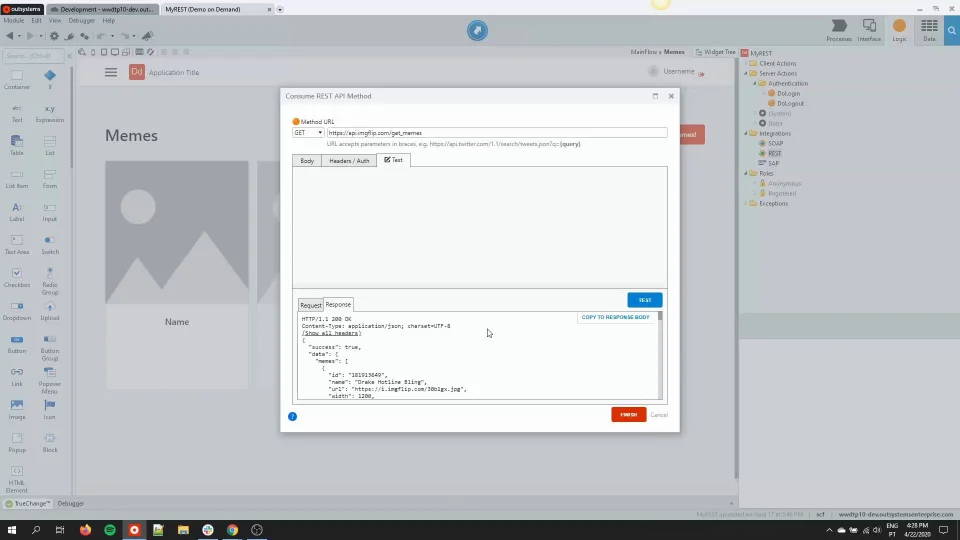
Once a REST API has been integrated into your app, the consumed API can be used across OutSystems applications within the same environment or external web applications to retrieve or manipulate information.
In the video below, we show you step-by-step how to integrate a REST API into your application.
Exposing a REST API with Low-Code
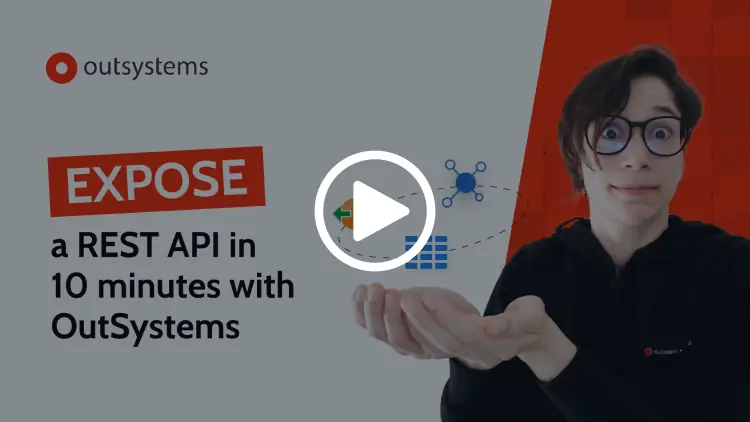
Exposing REST APIs with OutSystems is seamless and efficient. Using the built-in REST API management tool, you can specify the API's endpoints, methods, and data structures. You can also define the input and output parameters, authentication mechanisms, and security settings for the API. Additionally, OutSystems takes care of handling HTTP requests and responses, ensuring optimal performance and compatibility with industry standards. Let’s take a closer look.
Want to give it a try?
Signup for OutSystems free edition to get started.
And if you want to learn more about OutSystems integrations, here are additional resources for further reading:
- [Documentation] OutSystems Extensibility and Integration capabilities
- [Technical White Paper] Integrating OutSystems with Your Ecosystem
- [Trending Tech Talk] Accelerate Enterprise-Grade Integration with Low-Code
- [In-Depth Tech Talk] Application Integration for Modern Organizations
- [In-Depth Tech Talk] How to Build Secure and Scalable Integrations