Developing with OutSystems

At OutSystems, we know that speed, performance, and security are non-negotiable for modern mobile applications. While OutSystems mobile applications use powerful, efficient databases by default, in-memory databases are a way to push performance even further.
This article covers how you can use a dedicated OutSystems component to transform your mobile application's data layer, delivering blazing-fast performance, especially in high-stakes industries.
SQLite: The foundation of OutSystems mobile data
Mobile application developers are likely familiar with the popular library SQLite. It’s a lightweight, self-contained, serverless, and zero-configuration database engine well-suited for small to medium-scale applications.
In OutSystems mobile applications, when you create entities and attributes using the local storage feature in Service Studio, that data storage behaves differently depending on the environment:
- Browser: Local storage translates to an IndexedDB.
- Mobile device: Local storage translates to an SQLite database.
SQLite can create in-memory databases, and that's exactly what we're focusing on for boosting mobile performance.
What are in-memory databases?
In-memory databases are stored entirely in memory rather than being written to disk. If you need to manipulate or store data quickly without the drag of disk I/O overhead, an in-memory database is an enormous asset for your OutSystems mobile applications.
The speed and security edge
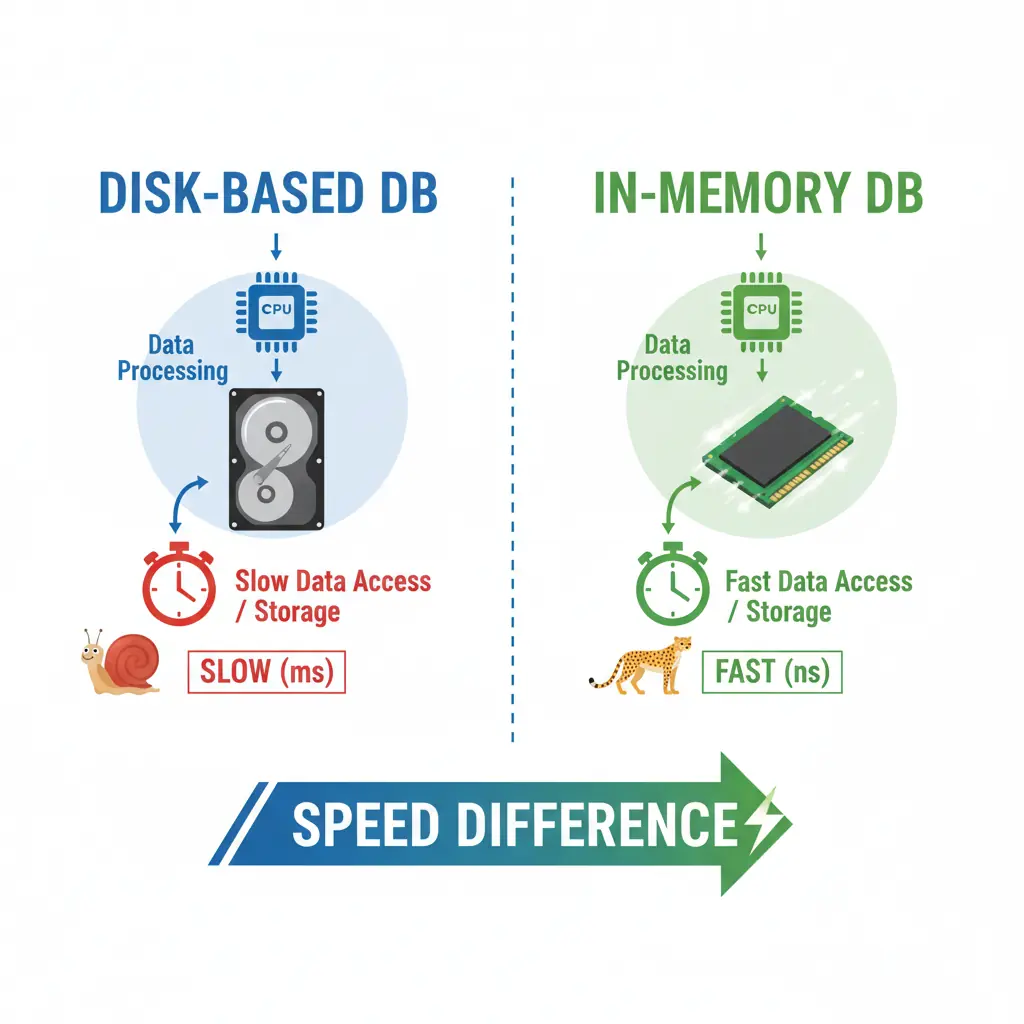
In-memory databases offer several compelling advantages over their disk-based counterparts.
Blazing performance
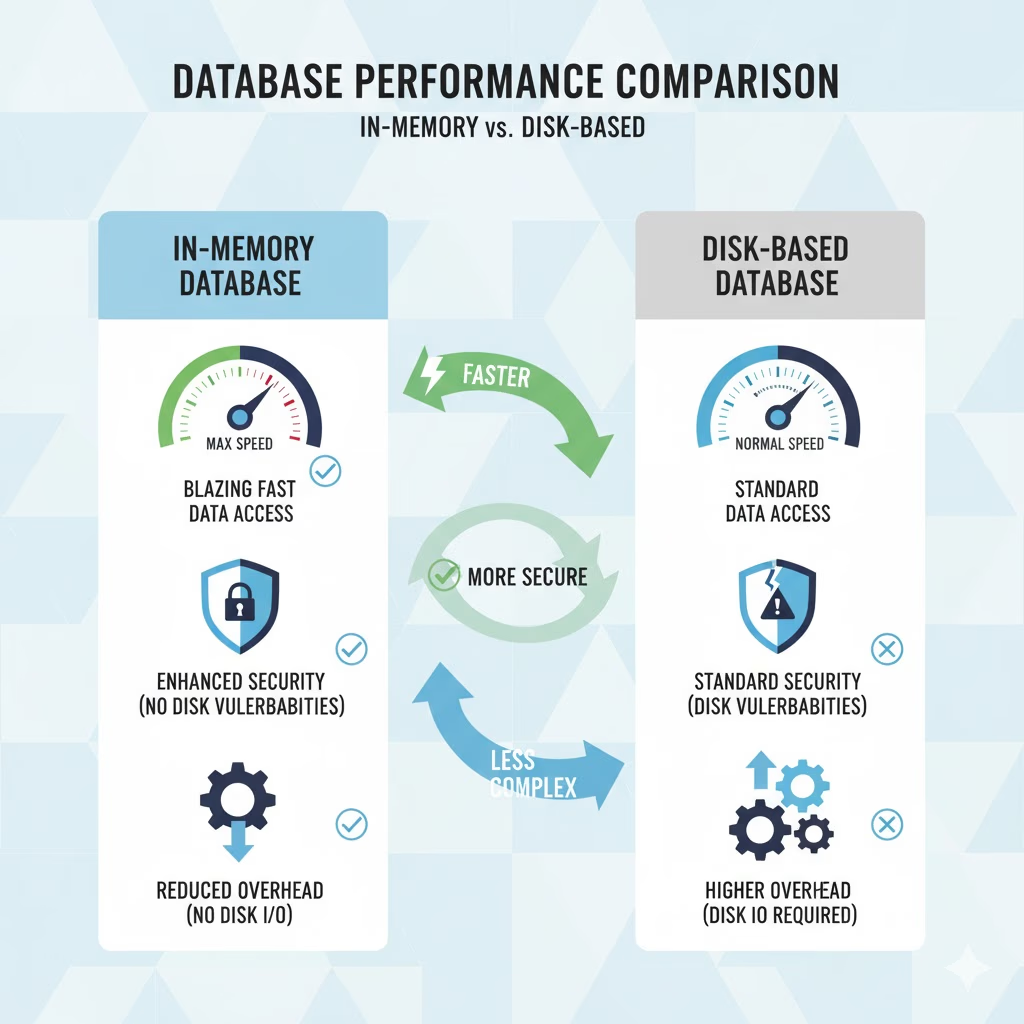
Since the data is stored completely in memory, it can be accessed much faster than disk-based data. When dealing with large datasets, this translates directly into significantly faster application performance.
Enhanced security
Because data is not physically stored on the device's disk, in-memory databases are inherently more secure. They are not vulnerable to attacks that specifically target disk-based data storage.
Optimized caching
You can use in-memory databases effectively as a caching mechanism. By temporarily holding frequently accessed data in memory, you can reduce the number of requests sent to the server, resulting in an improved overall user experience and application performance.
Temporary offline support
While not suitable for fully offline apps (we’ll cover that soon!), in-memory databases can be used in offline mode to store data temporarily when network connectivity is poor or non-existent. This is ideal for mobile applications that need to capture and store data locally before synchronizing it with a remote server when the network becomes available.
Reduced overhead
In-memory databases require less overhead because they eliminate the need to read and write data to the disk. This translates to more efficient application operation, requiring less processing power and storage space on the device.
Know the trade-offs: Challenges
Before you implement in-memory storage everywhere, developers need to be aware of the key challenges:
- Data durability: Since the data resides entirely in memory, if the application closes or crashes, the data is lost. This means they are not appropriate for applications that require data persistence between sessions.
- Limited capacity: The amount of data you can store is limited by the available memory on the device and the memory allocated by the operating system to the application. Large datasets or binary data may not be suitable for this approach.
If you need data persistence between sessions, you should use client variables or the supported keystore plugin instead.
The OutSystems solution: How we create in-memory DBs
A standard SQLite database is typically initialized by providing a file path for data storage. The key to creating an in-memory database is providing a special file name: “memory.”
To make this capability accessible, the OutSystems native team developed a mobile plugin that modifies how databases are initialized, adding this special file name to ensure the database is created only in memory. This in-memory database component is available on the OutSystems Forge.
Which businesses benefit most? (When to position)
In-memory databases are not one-size-fits-all. For instance, businesses that require apps to function fully offline, such as field service applications, should avoid this solution. However, if your business hinges on high speed, strong security, and immediate performance, this component can provide a significant competitive advantage. Business verticals where these benefits are particularly useful include:
- Finance: Speed and security are crucial for ensuring transactions are processed quickly and securely.
- Healthcare: Rapid performance is critical for ensuring health professionals can access patient data quickly and accurately.
- E-commerce: Speed and performance are fundamental to delivering a seamless shopping experience for customers.

The component is available on the OutSystems Forge. Here is how you can integrate the in-memory database functionality into your OutSystems Mobile applications:
- Download and install: Download the component from the OutSystems Forge and install it in your environment, just like any other component.
- Manage dependencies: Reference the component using the manage dependencies feature.
- Initialize the database: The component contains a single action, the InitInMemoryDatabase.
We recommend placing the InitInMemoryDatabase action on the OnApplicationReady system event.
Why do we need the action? The InitInMemoryDatabase action itself has no internal logic beyond checking if Cordova is defined. It was created solely to provide a necessary reference point, which prevents the component from being mistakenly removed when the "Remove Unused Dependencies" feature is executed.
Important note on support: This component was developed by the native development experts team in OutSystems Professional Services, and as such, it is not officially supported by OutSystems. However, improvements and fixes can be secured by requesting a service through OutSystems Professional Services.
Remember, you must build a new version of your application using MABS and reinstall it on your devices after implementation! Developers can still use the Local Storage feature in Service Studio, as the entities and attributes created there are used to generate the database structure; the component only changes the location where the database resides.
Ready to give your mobile apps the performance boost they deserve? Head over to the OutSystems Forge today!